Introduction — a quick scene, a number, a question
I was in the lab when a postdoc sighed and said, “We missed again — by half a millimeter.” That moment stuck with me. Automated stereotaxic Instrument systems promise repeatable, millimeter-level targeting, and many teams report error drops of 30–50% with automation. So why do some labs still struggle to hit targets consistently? (I’ll get to that.)
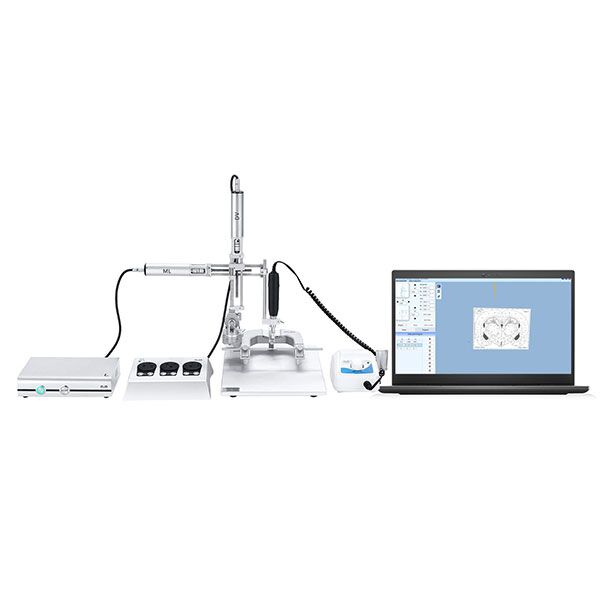
Think of a table: a tight skull clamp, a calm animal, and a coordinate readout that should be precise. Yet human steps—manual alignment, variable pressure, shaky hands—add noise. Even small drift in position encoders or sloppy calibration of motor drivers will show up as missed hits. I want to walk through the real reasons labs run into trouble and what to watch for next. We’ll contrast old habits with practical fixes and new principles, so you can decide what to change first.
Where most setups fail: hardware gaps and user pain
Let me be blunt: the hardware isn’t always the villain — user workflow often is. When I audit setups, I frequently find teams using a stereotaxic apparatus mouse but still doing manual offsets, not trusting the system. That creates repeatable but wrong results. Look, it’s simpler than you think: miscalibrated position encoders, loose head clamps, and inconsistent anesthesia depth all add up. Edge cases like connector play in motor drivers or noisy power converters can produce subtle jitter that sneaks into your data.
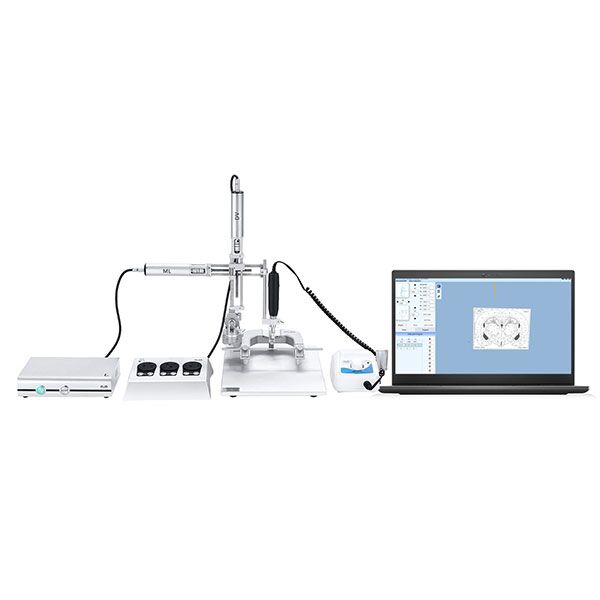
There’s also a training gap. Labs buy automation expecting instant wins, but they often skip protocol shifts. I’ve seen technicians apply old manual routines to automated systems — and that defeats the purpose. The true pain points are hidden: inconsistent surgical angles, forgotten zeroing routines, and overloaded workflows that force shortcuts. Address those, and you’ll see the numbers improve. If you want a quick checklist — calibrate encoders, verify clamp repeatability, and log every targeting run — you’ll cut error sources fast.
Curious how this plays out in practice?
New principles for reliable targeting — what’s next
We should rethink the whole process, not just swap parts. Modern systems pair precise mechanics with smart software. For example, closed-loop feedback from position encoders can correct tiny shifts during a run. If your device — say, a stereotaxic apparatus mouse — supports feedback and logging, use those features. They reduce human guesswork and provide a trail you can audit later.
Think principle over product: prioritize repeatable fixtures, automated zeroing routines, and simple validation steps after every setup. I favor tests that take under five minutes — a quick phantom run that verifies coordinates should be routine. Also invest a bit in training: show staff why the new steps matter. You’ll gain time later, not lose it. And yes — funny how that works, right? Small, consistent checks beat occasional heroics.
Real-world checklist: three metrics I use
When I evaluate a system, I look at three things: 1) Targeting repeatability (standard deviation across runs); 2) System latency and jitter (does the motor driver maintain smooth motion?); 3) Usability of validation tools (are error logs and feedback accessible?). These metrics give a clear, comparable view between systems and workflows. They help you decide if a purchase or a process change will actually move the needle.
In short: fix the small mechanical and workflow issues first, then adopt automation features smartly. I’ve guided teams from nightly frustration to predictable success by focusing on these steps. If you want a reliable, reproducible pipeline, start with the checklist and the metrics above. For tools and components that match these needs, I often point teams toward brands that support logging and closed-loop control — practical, not flashy. For more on equipment and options, check out BPLabLine.